A calmer routine for matching invoices in Xero
Keep invoices, processor fees and bank receipts aligned without assuming that exporting an invoice also reconciles the payment.
By the Novaveliq team
The useful bit
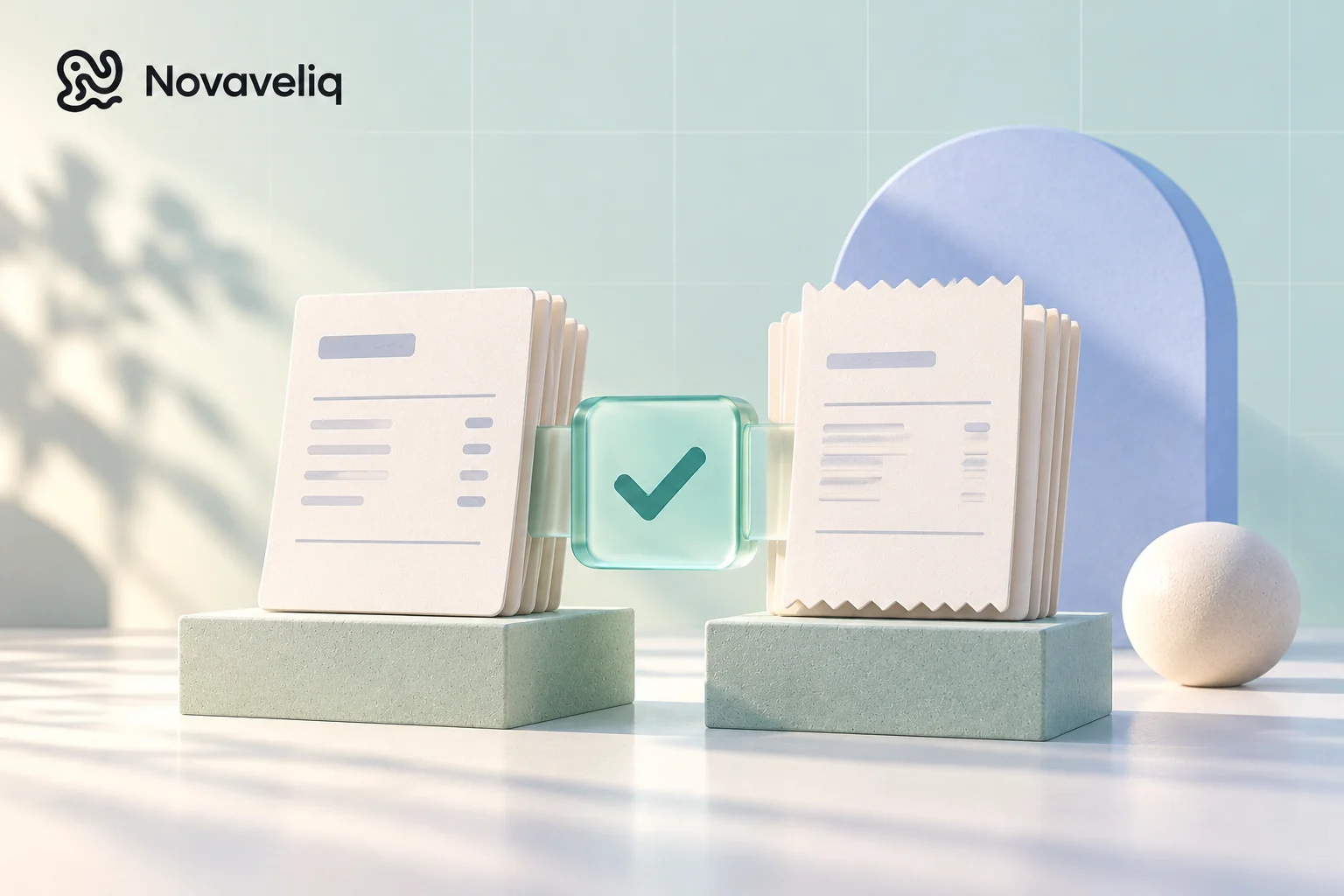
Invoice export, payment recording and bank reconciliation are different steps. A dependable routine checks all three.
Know which event you are recording
An invoice records what your customer owes. A payment record reduces that balance. Bank reconciliation connects the transaction in your accounting records with the money in your bank feed. These events are related, but they are not the same event.
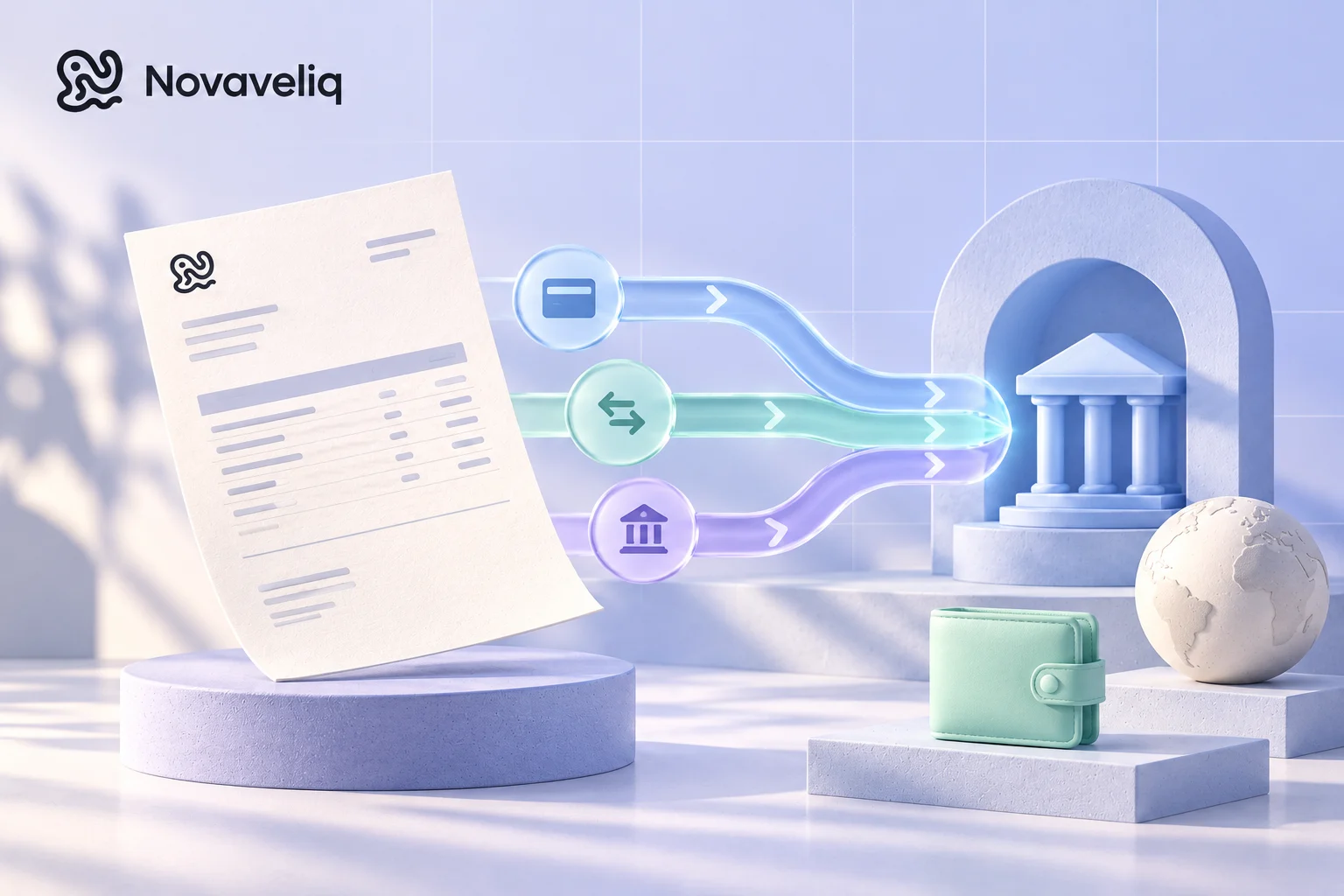
That distinction explains a common frustration: an invoice can be present in Xero while its bank receipt is still waiting to be reconciled. Likewise, a provider can show a successful customer payment before the associated net payout reaches your bank. Decide which record answers each question before trying to automate the entire process.
Make matching easier at the invoice stage
Use consistent customer names, unique invoice numbers and clear payment references. Confirm that the amount and currency in the exported invoice match the issued copy. Deal with duplicate contacts or an incorrect billing entity before they become a recurring monthly task.
If you connect an invoicing tool to Xero, check which organisation is selected and which records the integration actually sends. Connection does not imply that every invoice, tax treatment, payment or credit note is synchronised automatically. Review the available sync controls and any errors for the individual invoice.
Match straightforward bank transfers first
A receipt for the exact invoice total with the invoice number in its reference is a good candidate for matching, but still check the customer and date. Investigate a duplicate or unexpected receipt rather than creating a second invoice simply to make the feed look tidy.
For partial payments, record the amount actually received against the appropriate invoice and leave the remaining balance open. If one transfer pays several invoices, allocate it to those invoices rather than hiding the difference in an unrelated adjustment.
Treat processor fees and grouped payouts deliberately
Suppose a fictional customer pays a £500 invoice and a processor later pays £490 into your bank after a £10 fee. The customer has not necessarily underpaid by £10. The fee is a separate part of the accounting record, and the provider's settlement report should explain the difference.
A payout may also combine several customer payments or include refunds and adjustments. Use the appropriate clearing-account or provider reconciliation workflow for your accounting setup. Ask your accountant how to record these items if you are unsure; do not force the invoice amount to equal a net payout.
Keep unmatched items in a small review queue
Set aside items with missing references, unexpected currencies, overpayments or an incomplete provider settlement. Record what information you need and who can provide it. A short queue with a next action is more useful than a bank feed full of unexplained 'temporary' transactions.
Review the queue regularly and use the original invoice, customer message and provider record as evidence. Avoid resolving uncertainty by repeatedly exporting or recording a payment: duplicates can be more time-consuming than the original missing reference.
Use the connection as one part of the routine
Novaveliq's accounting connection and invoice-sync controls help organise the handoff to your accounting software where the integration is configured. A successful invoice sync is not a statement that a bank transaction has been reconciled. Use Xero's reconciliation workflow to check the final match.
Before relying on a new connection, review one straightforward invoice from issue through receipt. Check the invoice number, contact, tax treatment and payment record at each stage. Once that path is clear, investigate exceptions instead of assuming every invoice follows it without review.
Further reading
 Novaveliq
Less paperwork. More room to build.
Keep your invoices, contacts and payment instructions organised in Novaveliq.
Create your workspace